
A monitor arm can release desk space and improve screen positioning, but compatibility involves more than screen diagonal. The mount and desk must support the display together.
We compare a pole-mounted arm, a more freely repositioned arm and a simple riser, so you can choose around how often the screen needs to move.
A basic pole-mounted arm as a comparison point
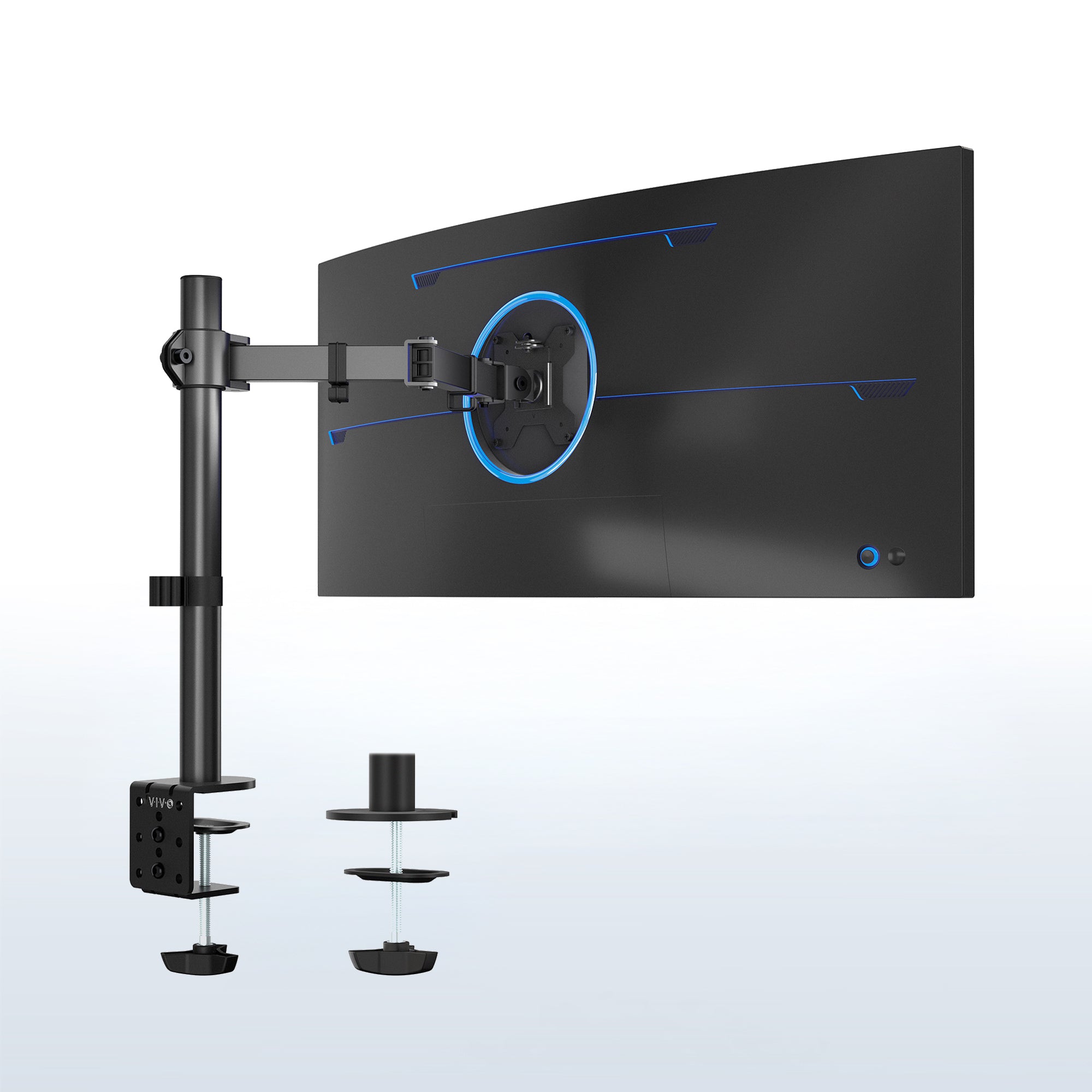
VIVO STAND-V001 ↗ uses a central pole and articulated arm, with height adjusted along the pole. The manufacturer lists 75 × 75 and 100 × 100 mm VESA patterns and a maximum supported display weight of 22 lb for this model. Check the display without its original stand and the exact mounting arrangement.
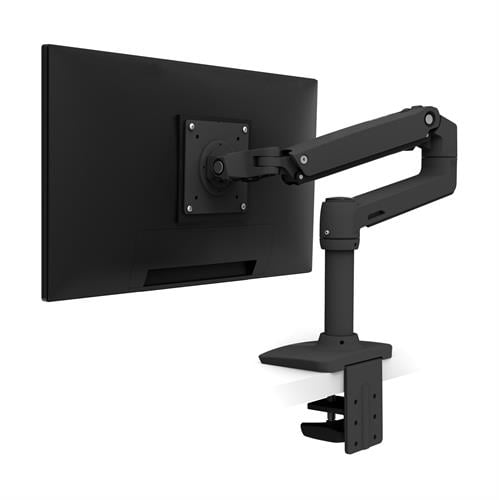
Ergotron LX ↗ is another arm family to compare when frequent repositioning is important. Match its current variant and supported weight range rather than choosing by appearance. A pole arm may be enough for a screen adjusted once, while a more elaborate mechanism can justify extra cost for regular changes. An existing stable riser remains the simplest option when only a modest height change is needed.
Check the display without its stand
Find the display’s weight and mounting information from its manufacturer. Confirm the mounting pattern, recesses and any required adapter. Screen width and shape also affect clearance and leverage. A listed maximum diagonal alone does not establish suitability, particularly with unusually curved or heavy displays.
A specific arm example
Ergotron LX is one example of an articulated desk monitor arm. Use the documentation for the exact part number and display combination; do not transfer limits from another LX variant. Check both minimum and maximum supported weight when relevant. A monitor that is too light for a balancing mechanism can be as problematic as one beyond its rating.
The desk must support the mount
Check tabletop thickness, material, underside obstructions and the mounting method. A rear clamp needs access and a suitable edge. Hollow, glass or thin tops may be unsuitable without an approved arrangement. A reinforcement plate is not a universal cure for a desk the manufacturer does not permit you to clamp.
Plan the arm’s full motion
Measure the space behind the screen and beside the wall. Some arms need rearward clearance even when the screen is close to the user. Test positions for sitting and standing if the desk changes height. Keep the screen out of the door swing and make sure it cannot strike a shelf or lamp.
Route cables through movement
Use the provided cable routing as instructed, leaving enough length at joints. Check the most extended position without pulling connectors. Adjust balance and fasteners only according to the manual. Do not loosen a loaded joint indiscriminately or remove a display before following the specified sequence for the mechanism.
A riser may be sufficient
If the screen rarely moves and only needs a modest height change, a suitable stable riser may be simpler and less expensive. Compare budget Amazon arms by documented compatibility, mounting and adjustment rather than visual similarity to a branded model. What is the actual goal: reclaiming desk area, changing screen position or accommodating more than one user?
The linked products are examples of different approaches. Similar solutions can be found from other manufacturers and stores. Compare the exact model, supplied components and installation requirements. Product photographs are credited to their source. This article describes functions and planning considerations, rather than a hands-on test.